
Name-Based Case Searches
re:SearchTX is the statewide public search layer available to Mitchell County users. It accepts party, attorney, or judge names, and its official guide describes wildcard options too. One caution: a common name pulls broadly. It can sweep in cases from courts and counties far beyond Mitchell County. Add location and court filters to keep the docket search on target.
- Open re:SearchTX and choose Cases.
- Select Search By and enter the party's last name, then first name or wildcard when needed.
- Set Mitchell as location and narrow by court, category, type, or date only when known.
- Select APPLY, inspect matches, and open Case Details after the cause number and court align.
- Use the result as a lead, then request needed papers from the custodian.
| Field | Type | Required | Notes |
|---|---|---|---|
| Search By | Selector | Yes | Choose party, attorney, judge, or case. |
| Name | Text | For name search | The guide describes wildcard * support. |
| Location | Filter | Recommended | Use Mitchell with a court filter. |
| Category and type | Filter | No | Remove optional filters after a blank result. |
Cases or Hearings in re:SearchTX?
Pick Cases to see the header, parties, filings, and whatever detail the court supplies. Pick Hearings to find a setting. The guide also covers Advanced search, APPLY, and Next 10 for paging through long lists. These controls promise little on their own. Not every Mitchell court feeds every case type into the system.
Quick answer: Use Cases for docket lookup and Hearings for date lookup. If no hearing appears, open the case and call the coordinator or clerk.
The November 1, 2025 integration deadline marked a technology milestone. It did not guarantee historic, justice, municipal, juvenile, probate, or sealed coverage, so gaps remain possible.
Case Number Searches
An exact cause number beats a common name. It points straight to a clerk-assigned identifier for one case. Type it exactly as issued, punctuation included. One agency example recommends dashes and no suffix. That convention does not carry over to Mitchell County.
Copy the number from a citation, notice, pleading, judgment, or a clerk's reply. Note the court with it. No published Mitchell-wide pattern of year, type code, and sequence exists. So resist guessing at one. If punctuation yields nothing, ask the clerk how its system formats cause numbers. Do not assume another agency's style applies here.
Use County and Court Filters Together
A Mitchell County matter can sit in several courts. Options include the 32nd District Court, Mitchell County Court, 1st Multicounty Court at Law, a justice court, or municipal court. Location alone can still pull an unrelated case. Set both the county and court fields before trusting a result. The OCA directory helps identify the court behind any hit.
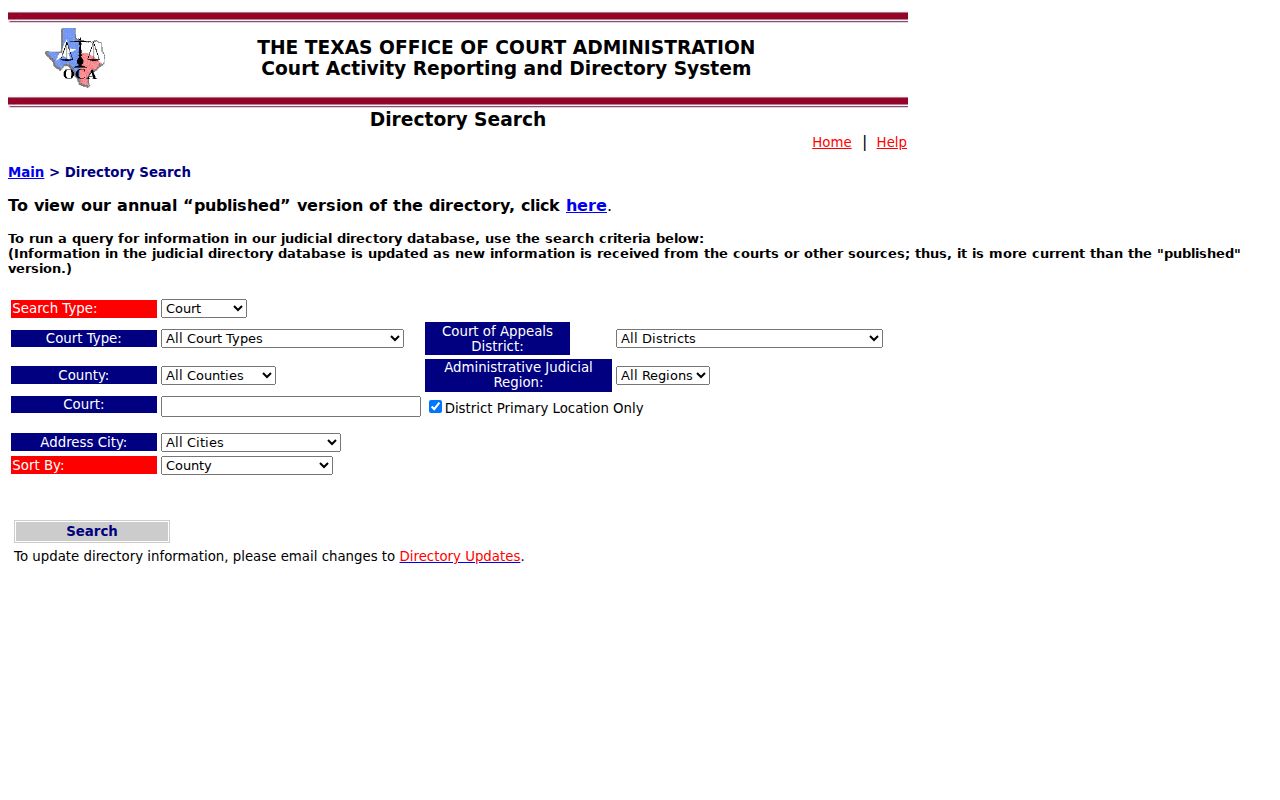
That directory connects you to courts and officials, while the docket itself stays with the clerk. It works well when a result names a tribunal you do not recognize.
Case Search Results Explained
A result works like an index. It rarely reproduces the whole file. Portal documentation lists cause number and type, parties, attorneys and judicial officers where available, filings or documents, and hearings when supplied. Case Details may add save, alert, share, or summary actions.
| Cause number | Identifier used to distinguish the case and request records. |
|---|---|
| Style and parties | Caption and public roles, subject to restrictions. |
| Court and filed date | Tribunal and date the initiating filing was accepted. |
| Category, type, status | Classifications and open, closed, or disposed indicator when provided. |
| Events and filings | Chronological history; listed documents may lack public images. |
| Hearings and disposition | Settings and outcomes when supplied. Read the order for legal effect. |
eDoc Has Six Record Menus
The Mitchell eDoc page opens six record menus: Grantor/Grantee, Property, Marriage License, Marks and Brands, Commissioners Court Minutes, and Court Records. It stands apart from statewide search and does not promise coverage of every district, justice, or municipal case.
eDoc lists records updated September 2, 2026 and advertises 24-hour access, immediate downloads, and a 30-day download window. The County Clerk still controls coverage questions and certified copies at Room 103, 349 Oak Street, (325) 728-3481.
Two Ways to Search: County and State
| re:SearchTX | County and clerk routes |
|---|---|
| Searches participating Texas court data. | Routes requests to the Mitchell custodian. |
| Best start for Cases or Hearings. | Best fallback for missing documents or certified copies. |
| May show details supplied by local feeds. | eDoc may offer County Clerk downloads. |
| No universal coverage guarantee. | District and lower courts retain separate files. |
For district records, contact the District Clerk in Room 302 at 349 Oak Street, (325) 728-5918. Ask whether a public terminal or staff-assisted search is offered, since the office publishes no set policy.
eFileTexas Is Not a Lookup
eFileTexas is the filing entry point, not public search.
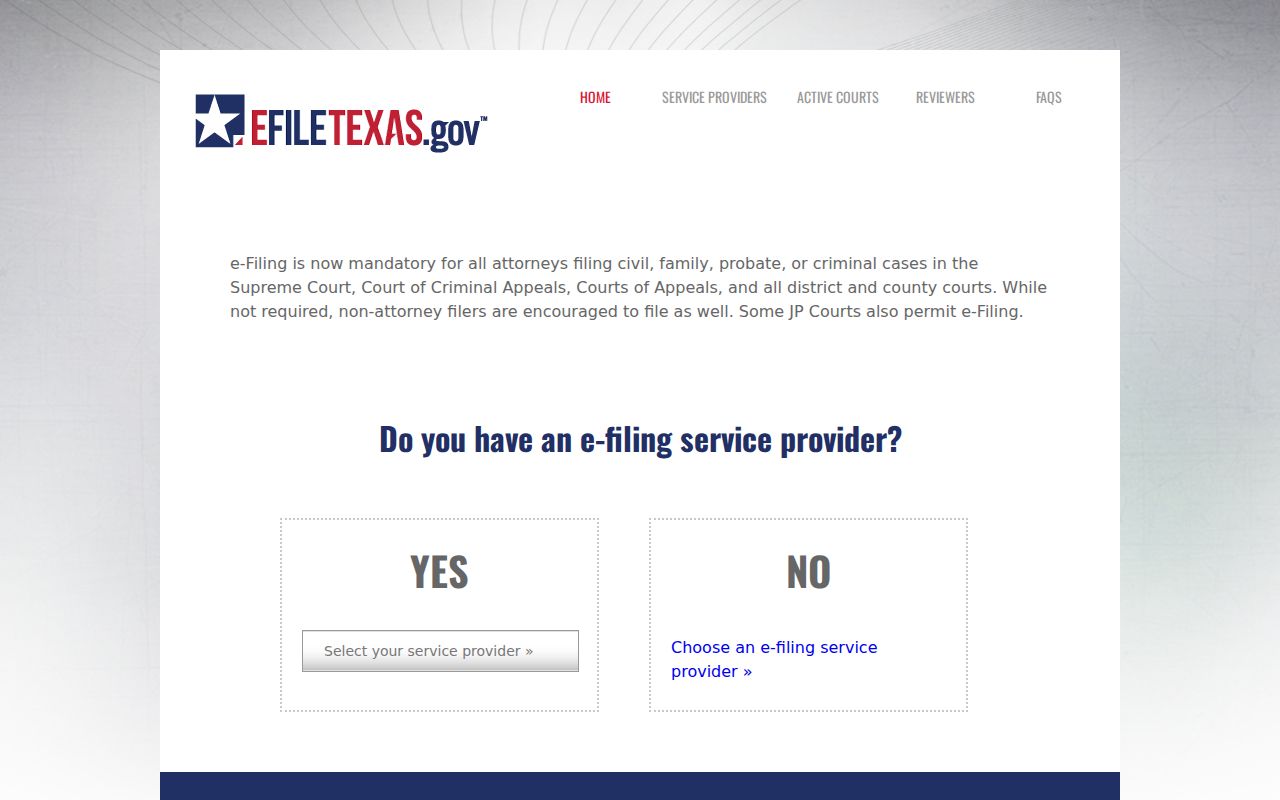
eFileTexas serves filers, not readers. Attorneys submit papers there; anyone reading a docket uses re:SearchTX or the clerk. Filing acceptance, indexing, and public availability are three separate events, so a fresh filing may not appear at once. The Tyler eFileTexas Cloud portal is the filing login.
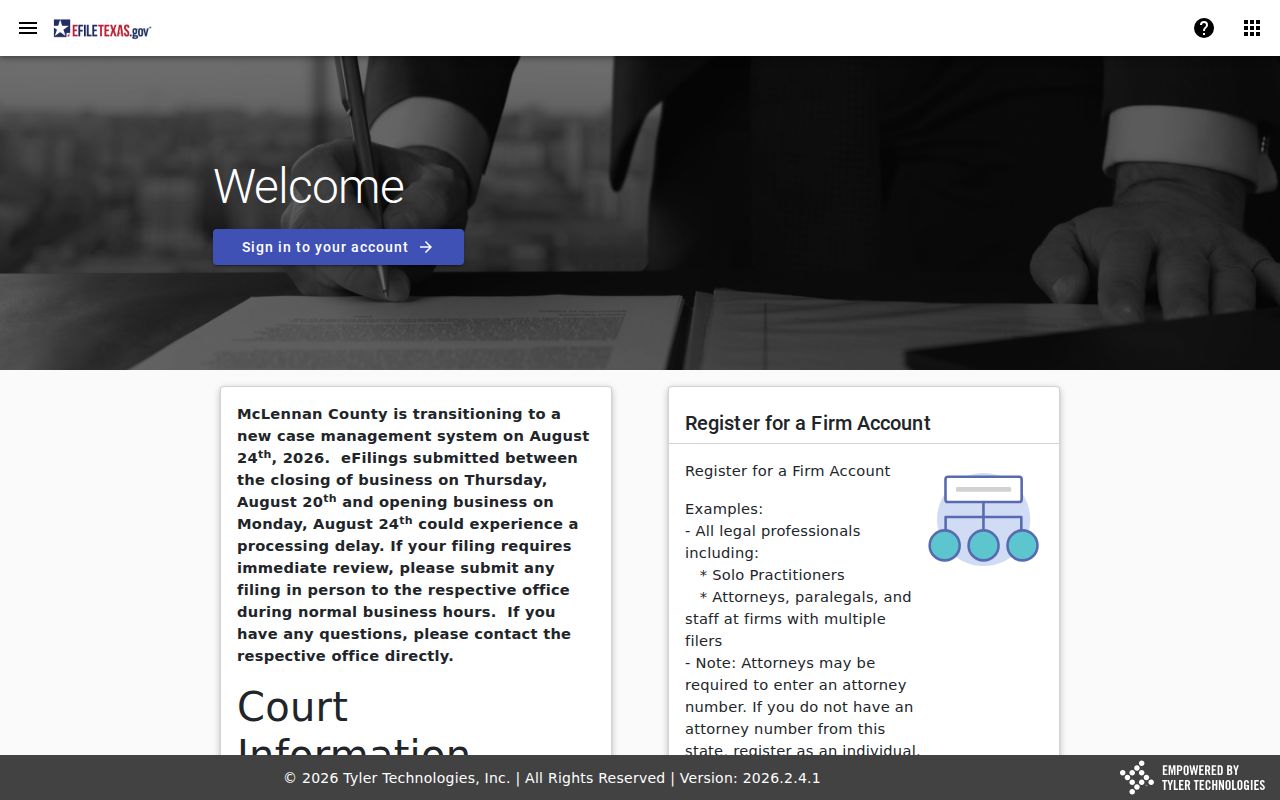
Do not enter case information there merely to search.
A Blank Result Has Five Explanations
A blank result has five common explanations. It may be a feed gap, older coverage, a justice or municipal record held elsewhere, a restricted file, or a typo in your input. Strip the optional filters. Add Mitchell and the court, retry the exact cause number, and try again later.
Never follow a generic result to a Montgomery County Odyssey site. The mctx.org domain belongs to Montgomery County, not Mitchell. Ask the Mitchell clerk whether the matter is older, restricted, non-integrated, or before another court.
Which Cases Stay Restricted
A sealed case may drop out of view or shrink to bare metadata. Identifiers can be redacted. Texas Family Code chapter 58 limits juvenile records to authorized people or a requester granted court access. Other laws and orders impose limits too.
Court case records do not work like executive-agency records under the Texas Public Information Act. The OCA policy sends requests to the clerk instead. Ask for the public portion rather than a way around the restrictions.
Search Metadata, Then Request Paper
Start with the details. Grab the cause number, court, style, filing date, and the exact entry you care about. Then ask the clerk for the real paper. That means the petition, order, judgment, notice, or docket sheet behind that line. Images can take extra steps. Some need eDoc, a purchase, a trip to the courthouse, or help from staff. Certification costs extra. It is a separate request, so say up front if you need a certified copy. Also know which tribunal you are dealing with. Justice and municipal records stay with the court that issued them. Colorado City Municipal Court keeps its own files and runs its own citation process. Identify the right court first, then search that layer, then confirm with its clerk.
Read the two halves of a docket differently. The header identifies the case: court, cause number, filed date, category, type, style, and status. The event history is a timeline. It logs filings, settings, orders, disposition, financial information when supplied, linked documents, and any appeal or transfer. So a result row can prove a likely match while still hiding the newest event's meaning. Party roles help too. In civil and family matters, plaintiff or petitioner starts the case, and defendant or respondent answers it. A criminal caption usually lists the State as the prosecuting party. Attorney and judicial-officer fields show up only when available. Match the roles and the court before trusting a common-name hit.
Docket words describe different procedural acts, and the difference matters. A motion asks the court for relief. An order is the judge's direction. A notice of setting announces a scheduled proceeding. A continuance or reset moves a date without ending anything. Disposition means an outcome or closing action. Dismissal, nonsuit, plea, and judgment each carry their own meaning in context. When an abbreviation confuses you, quote the portal's exact wording and entry date for staff. Mitchell County publishes no verified abbreviation list. Texas shorthand like MOT, ORD, NOS, CONT, DISP, or DWOP can frame a question. It is not an official Mitchell definition. Treat a linked or clerk-provided document as the authority, not a short index label. And if the docket shows an appeal, transfer, or consolidation, follow the receiving court. Follow any new cause number too. Ordinary appeals from Mitchell County trial courts go to the Eleventh Court of Appeals. That court keeps its own appellate docket.
A public Case Details view has limits. Sealed material, juvenile information, protected identifiers, and unpurchased images may all stay hidden. Ask for the public portion of a filing you identify precisely. Requesting something certified? Say so, confirm the current fee, and confirm how it will be delivered. Remember the last point. A downloaded index page is not automatically a certified court record.