
How the Mitchell County Court Calendar Works
No single verified hearing calendar covers all of Mitchell County. The 32nd District Court, Mitchell County Court, 1st Multicounty Court at Law, the justice courts, and the municipal courts each keep their own schedule. The county publishes nothing that combines them. A genuine setting shows up in re:SearchTX Case Details or Hearings when the local feed supplies it. It may also appear in the responsible clerk's docket, or in a filed order or notice. Lower-court matters stay with the issuing court unless they are transferred.
The official county calendar has Day, Week, Month, and Agenda views. Its categories are General, Closure, Comm Court, and MC Library. Those describe county-government events, not hearing types. An item may list a subject, start time, end time, and description. It will not give you a guaranteed cause number, party, judge, courtroom, or setting.
Calendar Categories Are Not Hearings
Important: A county-calendar event does not establish a trial or hearing date. Use the case docket, a filed notice, or court confirmation.
The calendar interface illustrates the distinction.
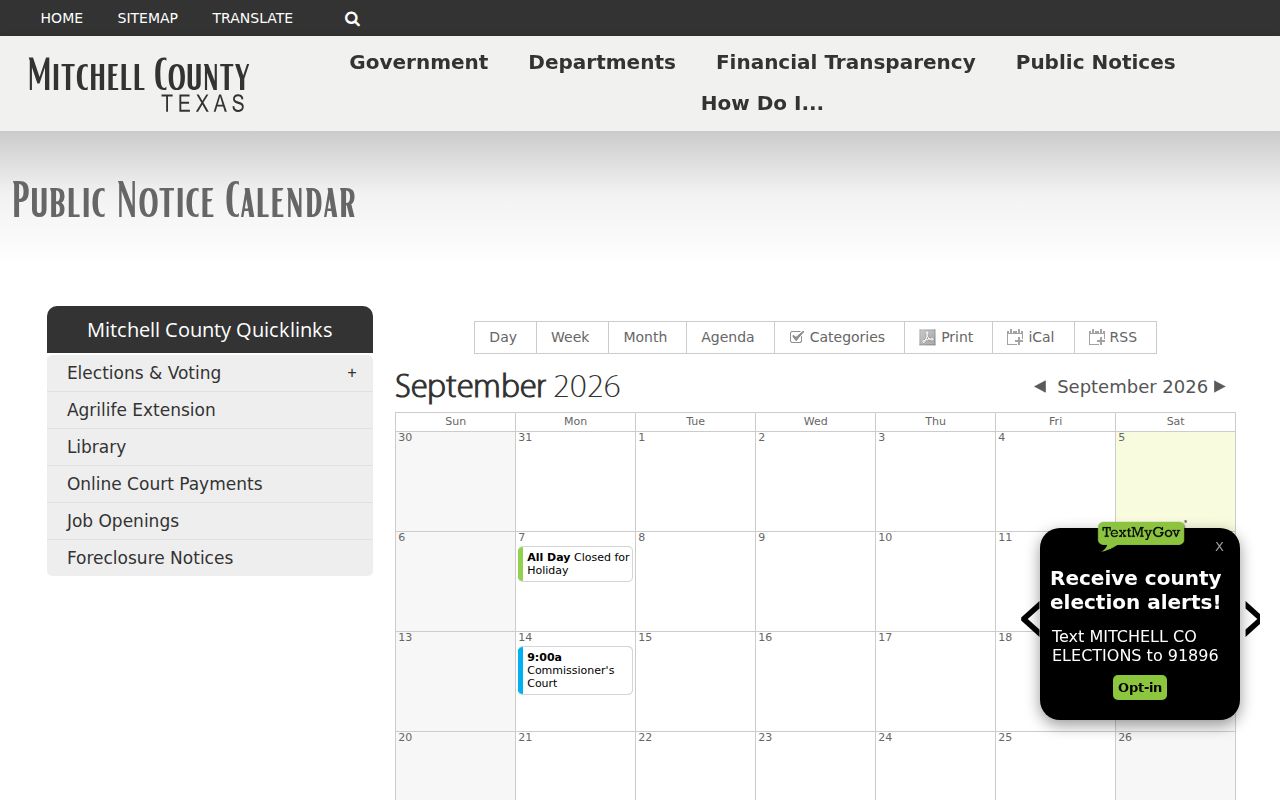
You can print the calendar view or save it as iCal or RSS. Either way you are preserving government events, not a verified case schedule. A closure is one more reason to reconfirm a setting, not proof of a continuance.
Mitchell County Court Date Lookups
Use the narrowest identifier available, preferably the exact cause number and court.
- Open re:SearchTX, choose Cases or Hearings, and search with Mitchell as the location.
- Open Case Details and find the newest hearing, setting, order, or notice. Record the court, date, time, room, type, and entry date.
- For the 32nd District Court, call coordinator Becky Stewart at (325) 235-3133. For the 1st Multicounty Court at Law, call (325) 235-2353.
- Confirm filed notices with the District Clerk at (325) 728-5918, Room 302, or County Clerk at (325) 728-3481, Room 103, 349 Oak Street.
- Ask whether a public terminal, staff-assisted search, or courthouse posting is available; no terminal policy was published.
- For justice or municipal matters, call the issuing court. Colorado City uses the appearance date printed on the green citation and describes a pretrial docket.
Cases and Hearings in re:SearchTX
The statewide interface splits Cases and Hearings into separate tabs, with filters for party, attorney, judge, case, location, category, and type.
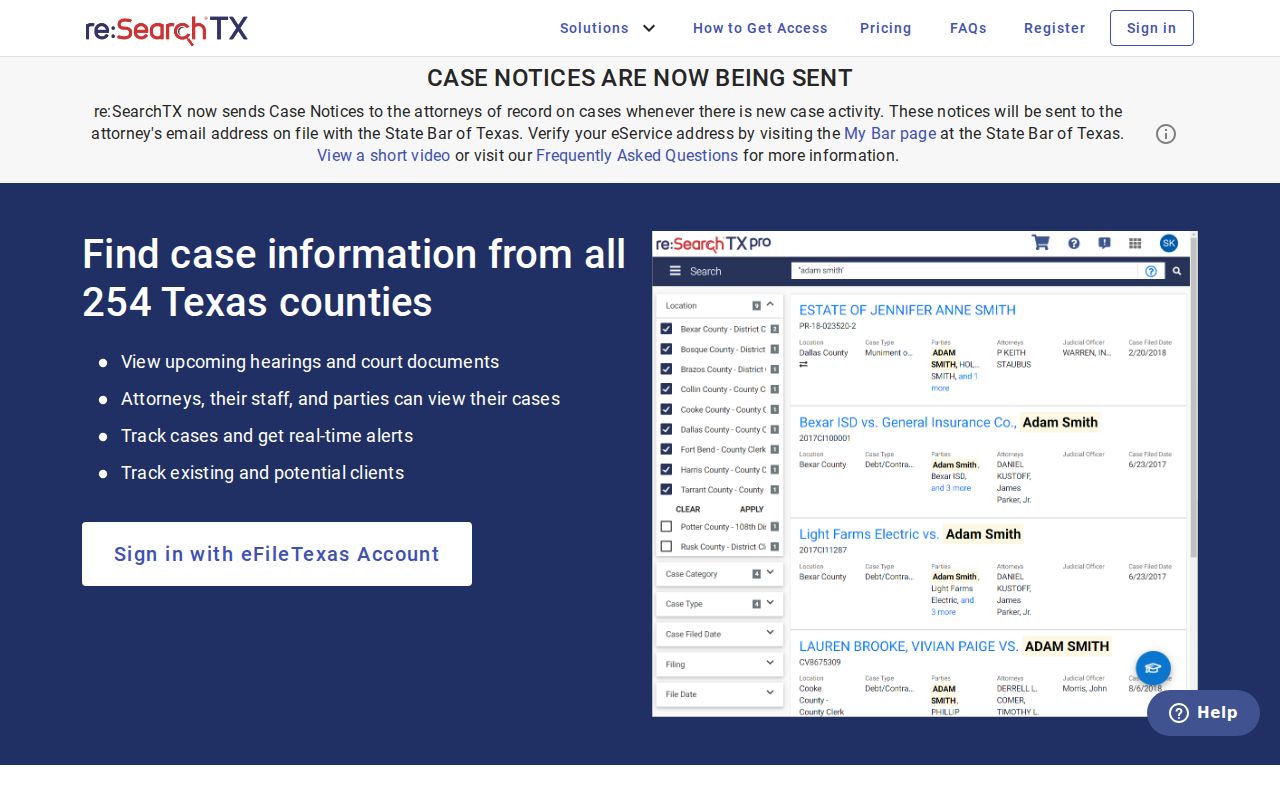
A blank panel does not prove the setting is absent. The November 1, 2025 integration deadline was a technology milestone only. It never guaranteed that every historic, municipal, justice, sealed, or juvenile matter would become searchable.
Court Settings: What Each Field Means
Read the fields together, and confirm any label you do not recognize, because Mitchell has published no setting-code glossary.
| Date | Scheduled date; compare it with later entries. |
|---|---|
| Time | May be a docket-call time rather than an individual slot. |
| Courtroom | Room, floor, or building when supplied; confirm before travel. |
| Judge or court | The assigned tribunal or judicial officer. |
| Setting type | May describe pretrial, motion, plea, sentencing, review, bench trial, or jury trial. These are common terms, not verified local codes. |
Coordinator, Clerk, or Judge?
| Contact | Best use |
|---|---|
| Coordinator | Confirm the active trial or motion setting. |
| District Clerk | District docket, filed notice, order, or copy. |
| County Clerk | County-level case file or copy. |
| Issuing lower court | Justice or municipal appearance. |
Judges rule on judicial matters. For ordinary date checks, the coordinator or the clerk who keeps the record is the right call. Give staff the cause number and case style so they can find the matter, and ask for the newest setting rather than legal advice.
When a Court Date Moves
A continuance or reset can leave the old date sitting in the history. Hunt for the newest setting, reset, continuance, order, or notice. Compare timestamps before you trust anything. A notation that a matter was passed might point to another docket or date. Its local meaning needs confirmation from staff.
Work the chain in order: the chain portal, then the docket entry or order, then the coordinator, then the clerk. The county says nothing about how far ahead trials are posted. It does not say whether every change appears right away. It is silent on whether remote links are used. Never assume a new date just because an old one vanished.
A Closure Signals Reconfirmation
A closure may affect office access without deciding any individual case. Check the newest order, call the court, and note that the County Court Collections portal is a separate page you may run into.

A payment page verifies nothing about a date and never replaces an appearance. Ask the court directly what a payment or plan means for your case.
Missed Settings and What Comes Next
Contact the court and your attorney right away. Ask whether the docket shows a new date, an order, a warrant-related entry, or some required action.
Missed a setting? Consequences vary and may include a failure-to-appear entry, warrant, bond issue, or additional order.
Call the clerk or coordinator immediately with the cause number.
Seek advice from a licensed attorney before responding to a warrant or disputed setting.
When the Portal Has No Hearing
No result can mean a feed gap, older coverage, a lower-court case, bad input, or a restricted file. Strip out the optional filters and verify Mitchell and the right court, then ask the custodian. The Mitchell eDoc portal is a separate route to records.
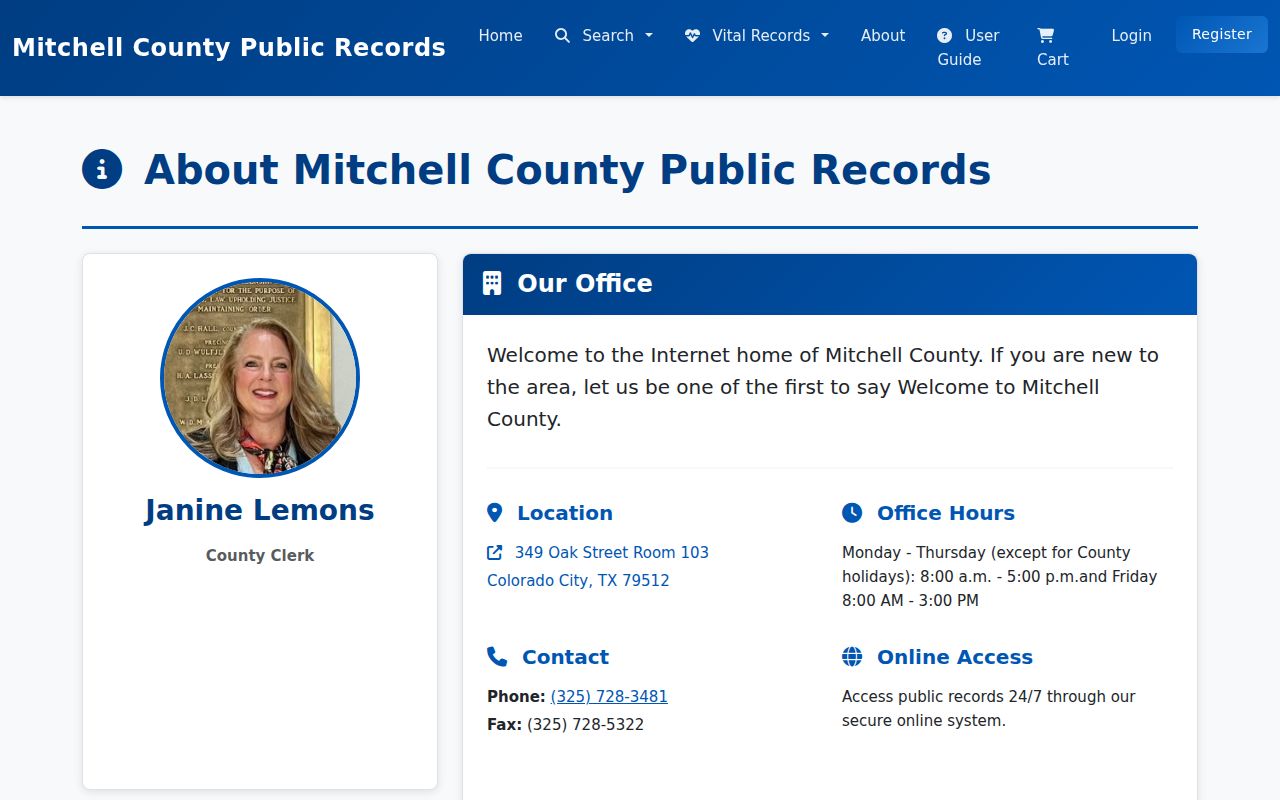
eDoc promises 24-hour access, immediate downloads, and a 30-day download window. It is not a live court calendar, though. Pull the document there when it helps. Then confirm the actual setting with the court itself.
Keep each source in its lane. A Case Details screen may show a hearing entry. eDoc may hold an indexed or downloadable document through the County Clerk. The District Clerk keeps the district case records. A coordinator knows whether a court setting is still active. No channel proves what another shows, so compare court, cause number, entry date, and document type before trusting any single date.
A notice of setting is not a judgment. The notice tells you when a matter is scheduled. A judgment records the result. A short docket reference to a judgment is not the full signed paper. Orders can grant continuances or set new dates. When the docket lists such a filing with no accessible image, ask the clerk for that particular document rather than the whole file.
Sequence matters most after a reset. Read docket entries from oldest to newest and note when each was filed or entered. An old hearing can linger on screen after a newer notice takes control. Labels like passed, continued, reset, or cancelled need confirmation, because Mitchell County publishes no local glossary defining how each court uses them. Quote the label and the date when you call staff. Do not guess at an outcome.
Check the location too. The Mitchell District Clerk and County Clerk counters sit at 349 Oak Street in Colorado City. A records counter is not necessarily a courtroom. The 32nd District Court and 1st Multicounty Court at Law have coordinator contacts tied to Sweetwater locations. Confirm the court, building, room, and appearance method before you drive anywhere, especially in a multicounty matter.
Keep the citation, filed notice, bond paperwork, and later orders in one place. Use the exact cause number in every query and every call. Party names get misspelled or shared. The cause number plus the court gives staff a firm match. If counsel is involved, counsel is also a direct source for current appearance instructions. Call promptly when records conflict.
Mitchell County offers no countywide text reminder program, no standard email-notice service, no consistent remote-hearing label, and no guaranteed daily printed docket. re:SearchTX may offer save or alert actions for available case information, but an alert is a convenience. It does not replace a filed notice or a court order. Recheck close to the appearance date. Confirm directly with the court whenever the records disagree.
Colorado City municipal cases show why the issuing court matters. The city's published procedure says a person pleading not guilty follows the appearance date on the green citation and lands on a pretrial docket, appearing in person or through counsel. Those rules belong to Colorado City Municipal Court alone. They do not govern a Mitchell County JP, District Court, County Court, Loraine matter, or any other jurisdiction. Follow the notice issued in your own case.